Divide is where one thing becomes many: a facade into panels, a box into its faces, a list into groups. These nodes are ochre on the canvas.
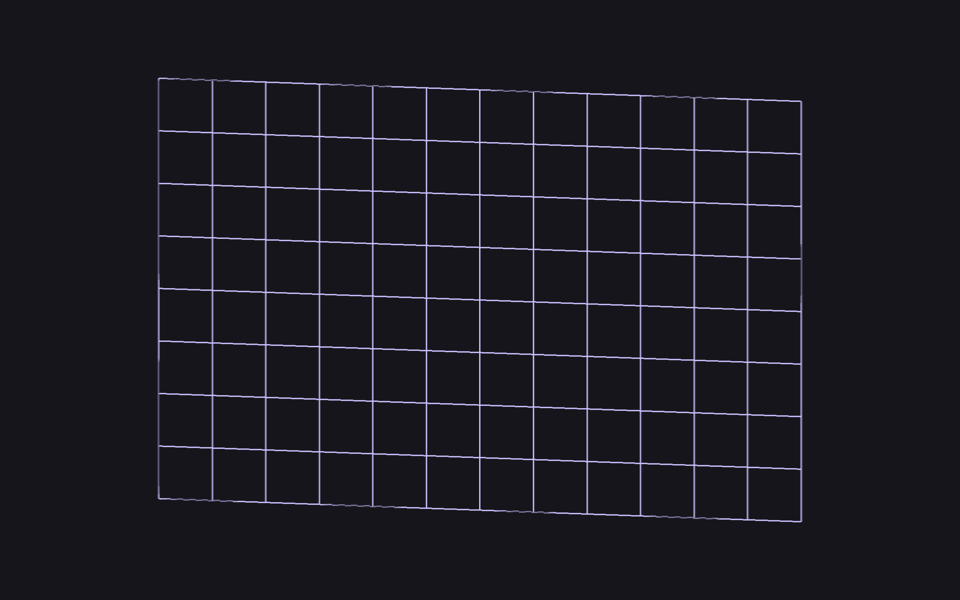
What for. To divide a rectangle or a curved surface into panels: rows and columns, diamonds, hexagons or triangles.
How. Connect the rectangle (or a surface) and say how to divide it: by number (columns, rows) or by size (cell width, cell height).
| Input | What it means |
|---|---|
| rectangle | a rectangle, or a curved surface |
| columns, rows | how many, or the cuts as fractions (0; 0.2; 0.5; 1: uneven) |
| cell width, cell height | the size of each cell, instead of how many |
| rows level, columns level | the names of the two lists (row and column by default) |
| shape | squares, diamonds, hexagons (a honeycomb), triangles, or diamond trims (the triangles that complete the border) |
| panels | on a curved surface: flat (four corners) or curved (following the surface) |
Tips.
- Uneven cuts can come from another node: a Formula gives cells that grow.
- The cable reads
row 12 × column 20 = 240: everything after the Grid works on all the panels at once.
Divide
Section titled “Divide”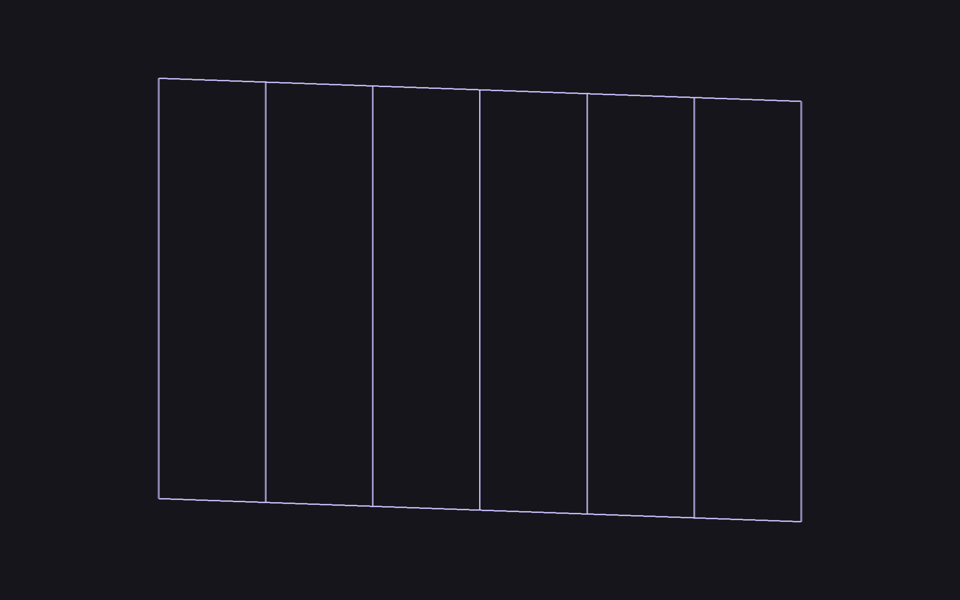
What for. To divide a rectangle into parts in one direction only: bays across a facade, strips of a floor.
| Input | What it means |
|---|---|
| rectangle | what is divided |
| parts or size | how many parts, or the size of each |
| direction | across the width or the height |
| level | the name of the new list (part by default) |
Voronoi
Section titled “Voronoi”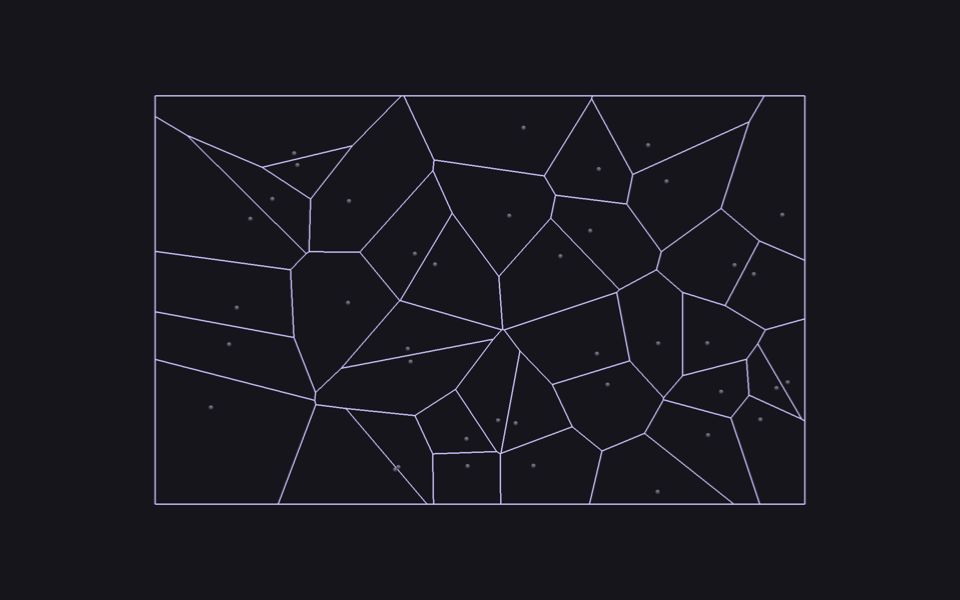
What for. Cells around seeds: each seed gets the part of the plane closer to it than to any other. Organic skins, paving, perforations, plans of a park.
| Input | What it means |
|---|---|
| points | the seeds |
| boundary | a closed curve that holds the cells; empty: a rectangle a little larger than the seeds |
| radius | no cell goes farther than this from its seed: they round off and leave gaps |
| level | the name of the list of cells (cell by default) |
Tips.
- Seeds from Random points give a natural look; change the seed until you like it.
- With Vertices, Centre and Delaunay, a pyramid on each cell: a Voronoi skin.
Voronoi 3D
Section titled “Voronoi 3D”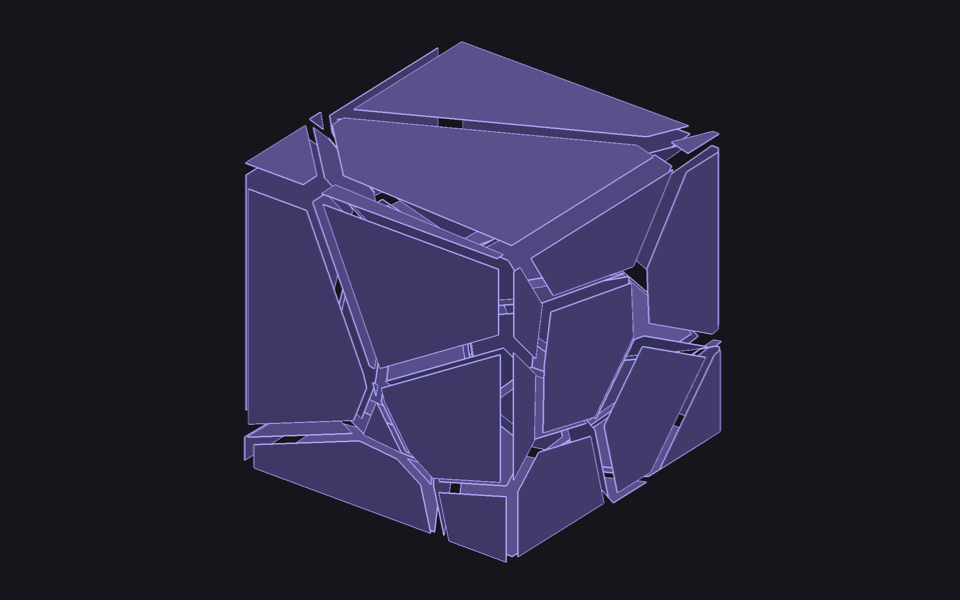
What for. The same in a volume: each point gets the space closer to it. Each cell is a polyhedron.
| Input | What it means |
|---|---|
| points, region | the seeds, and the volume to divide |
| level, faces level | the names of the cells and of the faces of each cell |
Centre
Section titled “Centre”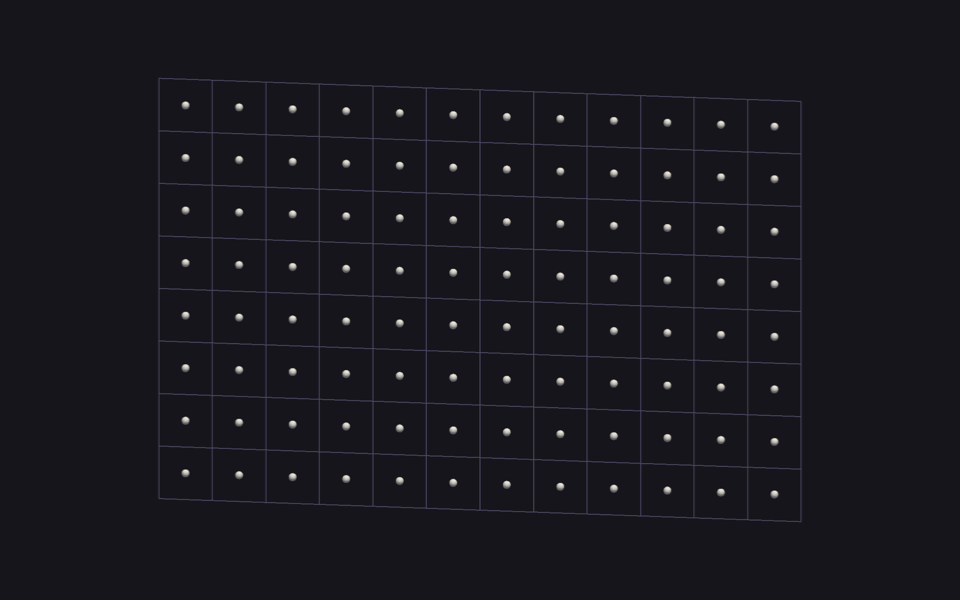
What for. The centre of each element: where to put a fin, a lamp, a label, a column.
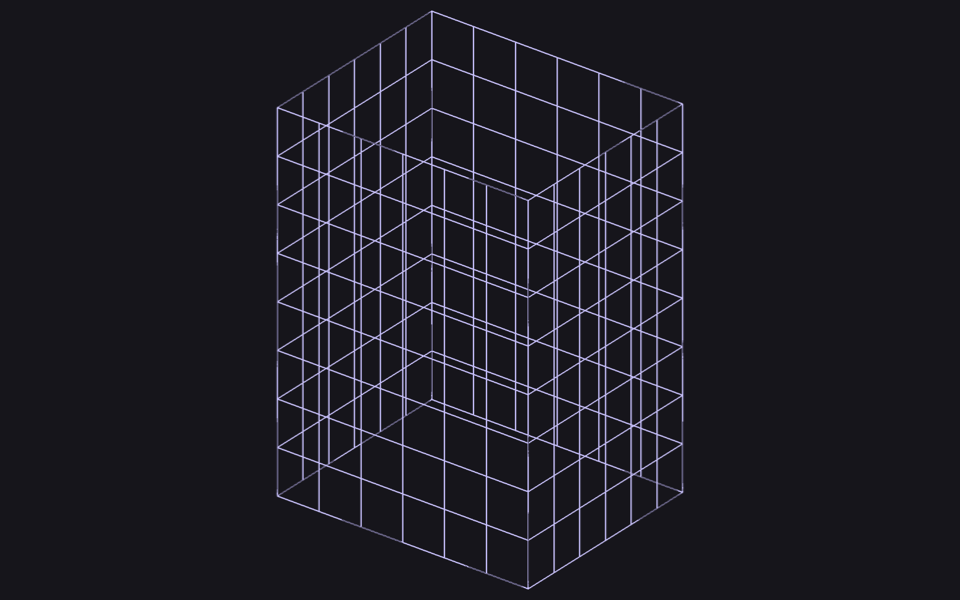
What for. The faces of a prism or a box, by name, as rectangles: to put panels on the south façade, or solar panels on the roof.
| Input | What it means |
|---|---|
| volume | a Prism or a Box |
| which | south, east, north, west, roof, base, or façades (the four) or all faces |
| level | the name of the new list (face by default) |
Vertices
Section titled “Vertices”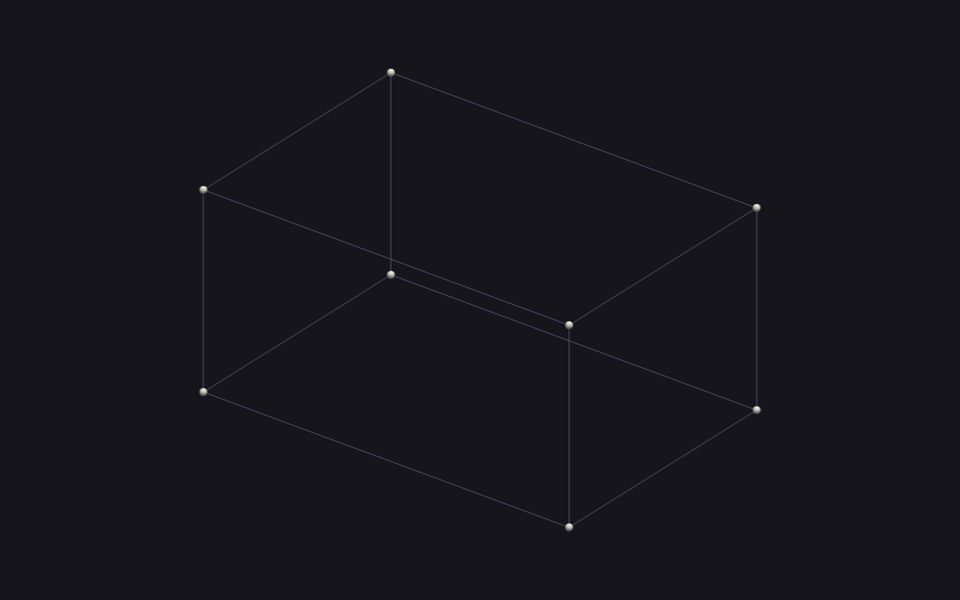
What for. The corners of each element, as points: the 8 corners of a box, the corners of each panel.
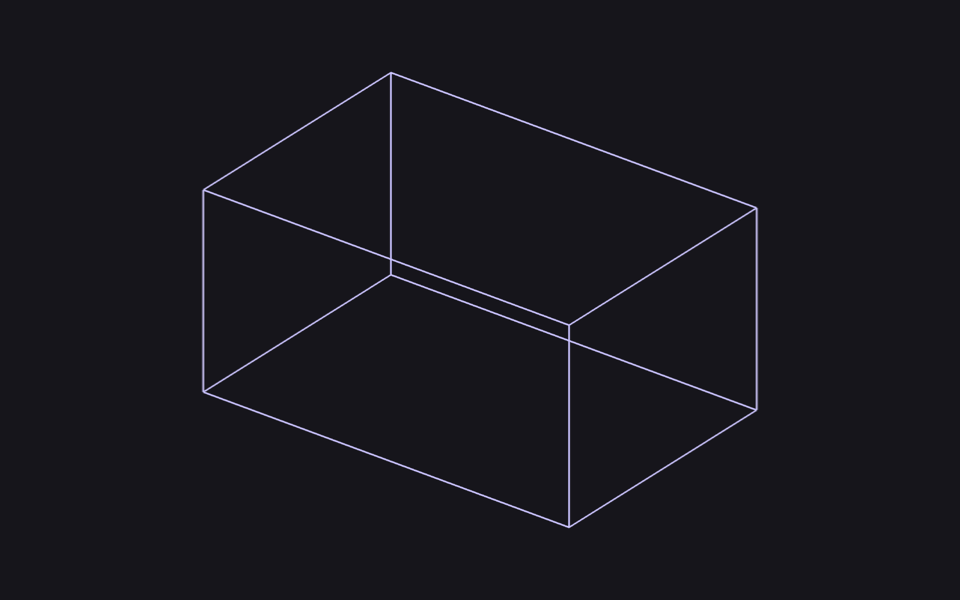
What for. The edges of each element, as lines: the 12 edges of a box, the frame of each panel.
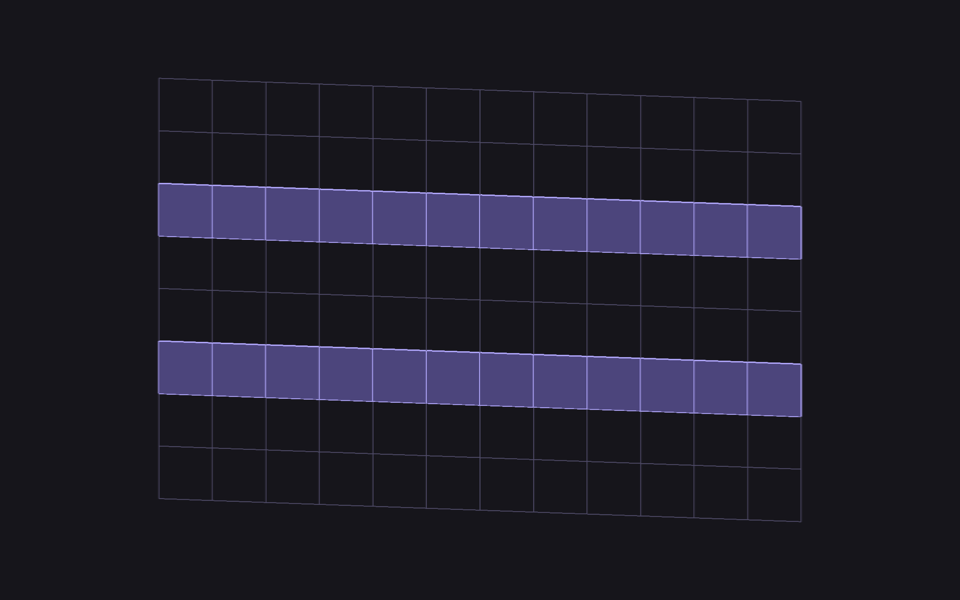
What for. To take elements of a list by their number, counting from 0: row 4, the top floor, points 1, 5 and 3,
from 2 to 5.
| Input | What it means |
|---|---|
| data | the list |
| level | which level; empty: the only one |
| position | 4 · last · -1 (the last) · 1; 5; 3 · 2-5 (from 2 to 5) |
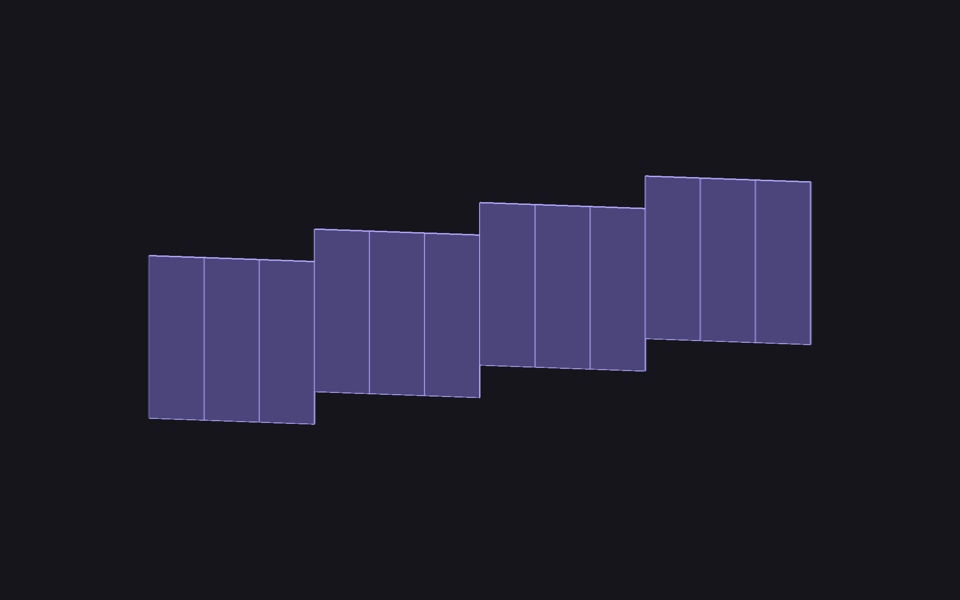
What for. To split the elements of a list into groups: panels in groups of four, a facade into three parts.
| Input | What it means |
|---|---|
| data, level | the list and which level |
| mode | groups of: so many at a time · in parts: into so many equal groups |
| count | how many per group, or how many groups |
| new level | the name of the groups: span, module, floor |
Tips.
- To split in two at a point, use Pick with two ranges:
0-3and4-last.
Reorder
Section titled “Reorder”What for. To change the order of a list: reversed, shifted a few places, or from smallest to largest by a value.
| Input | What it means |
|---|---|
| data, level | the list and which level; empty on a curve: reverses its direction |
| mode | invert, shift or sort |
| count | how many places to shift (negative, the other way) |
| wrap | yes: what leaves at one end comes back at the other · no: it is dropped |
| key | the number to sort by (a distance, a height); empty: the values themselves |
Tips.
- Shift by one, and compare each floor with the one above: the neighbour.
Join levels
Section titled “Join levels”What for. To join two levels into one, in order: triangle 4 × vertex 3 becomes vertex 12. To draw one curve through all the points, or to number them in a row.
| Input | What it means |
|---|---|
| data | the list |
| first | the outer level; empty: the first |
| second | the level that goes inside; empty: the last |
| new level | the name of the joined level; empty: that of the second |
Tips.
- Split in groups undoes it.